Excel Macro Security Risk Error
Summary
How to resolve the security risk error when trying to run a macro in Excel.
Body
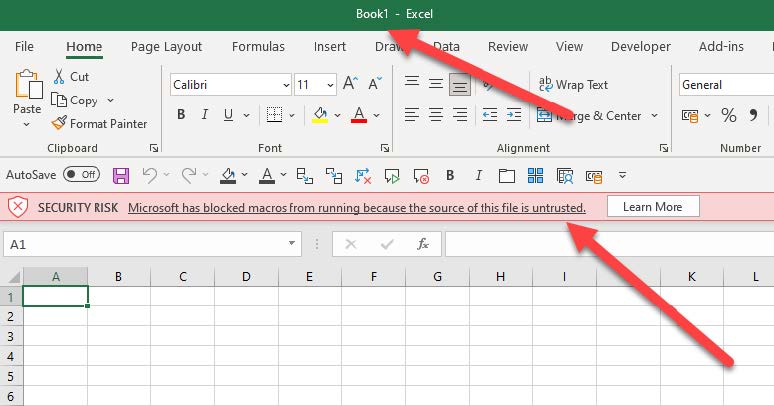
- Find the file with the error in Windows Explorer.
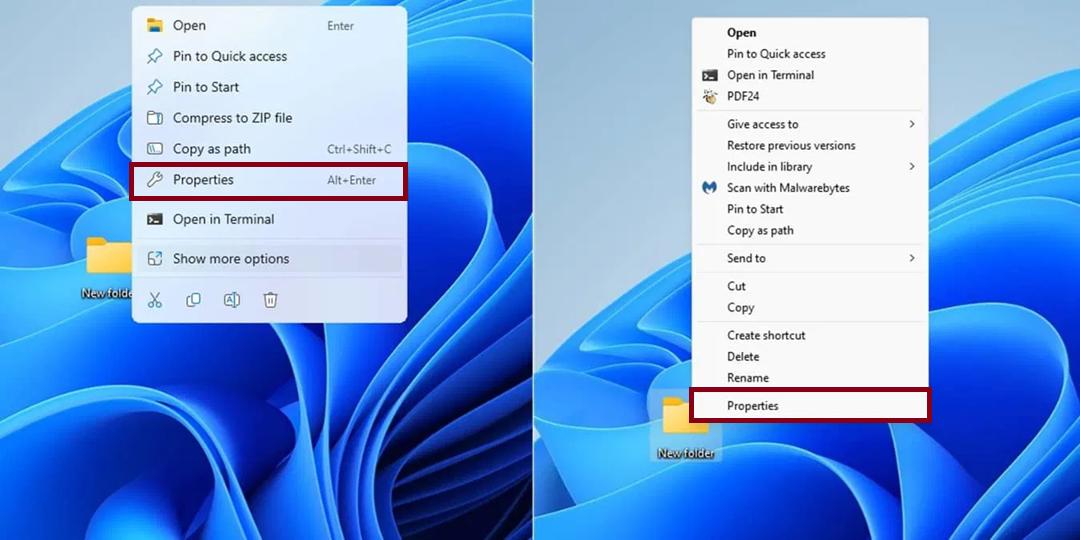
- Right-click the file and select Properties.
- Click the Details tab at the top of the Properties window.
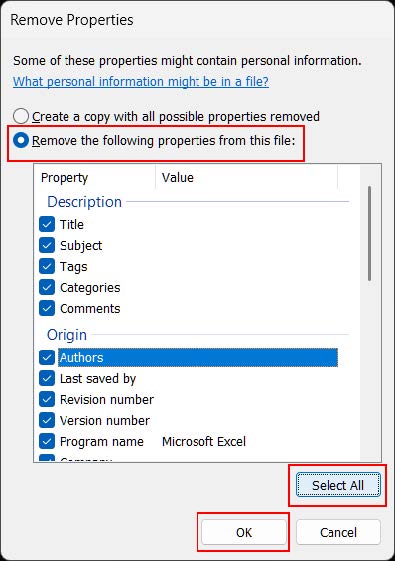
- Click the Remove Properties and Personal Information link.
- Choose whichever of the following options best suits your needs:
- Create a copy with all possible properties removed
- Remove the following properties from this file


Details
Details
Article ID:
3538
Created
Thu 4/10/25 4:16 PM
Modified
Wed 9/17/25 8:02 AM