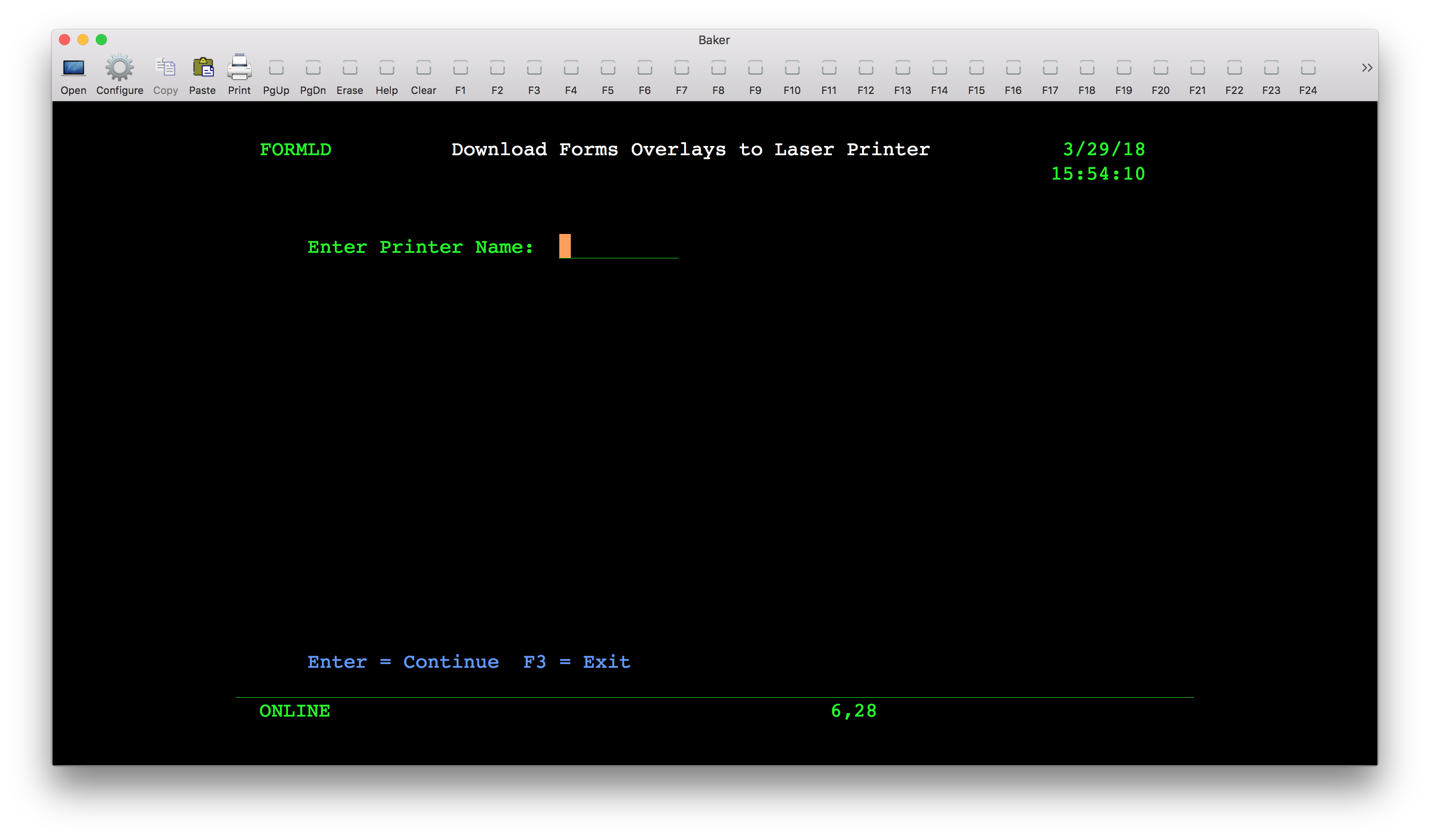
Should a printer go down because of an error or service, it will likely need to have the forms from Mincron added once more. Without them, print jobs will print without correct formatting, barcodes etc. Follow the steps below in order to download the forms to the printer.
-
Sign into Mincron.
-
Enter fastpath DF (for Download Forms.)
-
Enter the name of the printer that is missing the forms and wait for Mincron to complete the function.
-
After a short wait, Mincron will push the forms to the printer. Have the user perform a test print to confirm they were successfully downloaded.